Desktop widgets for macOS, written in TSX. Native rendering, reactive state, reload on save.
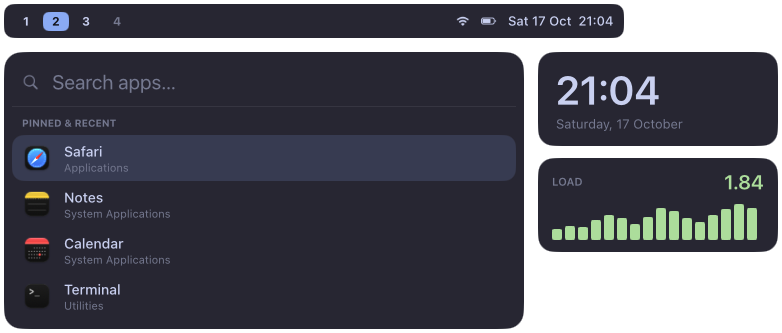
Why
- Native. Core Animation layers and Yoga flexbox. No browser; ~0% CPU when idle.
- Reactive. Signals update exactly the properties that read them.
- Batteries included. Battery, volume, network, front app, CPU and memory as signals.
- Scriptable.
halo triggerpushes state from your window manager or any script.
Install
brew tap bfpimentel/tap
brew trust --formula bfpimentel/tap/halo   # Homebrew 6+: third-party taps need explicit trust
brew install halo
Nix: inputs.halo.url = "github:bfpimentel/halo" with services.halo.enable = true (nix-darwin or home-manager). Full setup.
A widget
// ~/.config/halo/halo.json
{ "widgets": { "clock": { "widget": "clock", "screens": "all" } } }
// ~/.config/halo/widgets/clock.tsx
import { Box, Surface, Text, type WidgetProps } from "halo";
import { clock } from "halo/services";

const time = clock.format("HH:mm");

export default ({ screen }: WidgetProps) => (
  <Surface screen={screen} anchor={["bottom", "right"]} margins={[0, 16, 16, 0]} layer="desktop">
    <Box style={{ padding: [10, 16], background: "#1e1e2ee0", radius: 12 }}>
      <Text style={{ fontSize: 22, fontWeight: "bold", color: "#cdd6f4" }}>{time}</Text>
    </Box>
  </Surface>
);
halo start